Deleting a pending voucher has to be done by a team member that is set up as a fulfilment manager.
They can then follow these steps to delete a pending voucher:
1. Go to the deliver tab
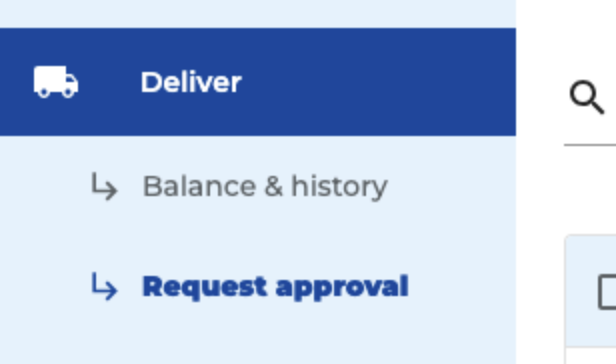
2. Click on request approval
3. Find the pending voucher that you'd like to delete using the search bar
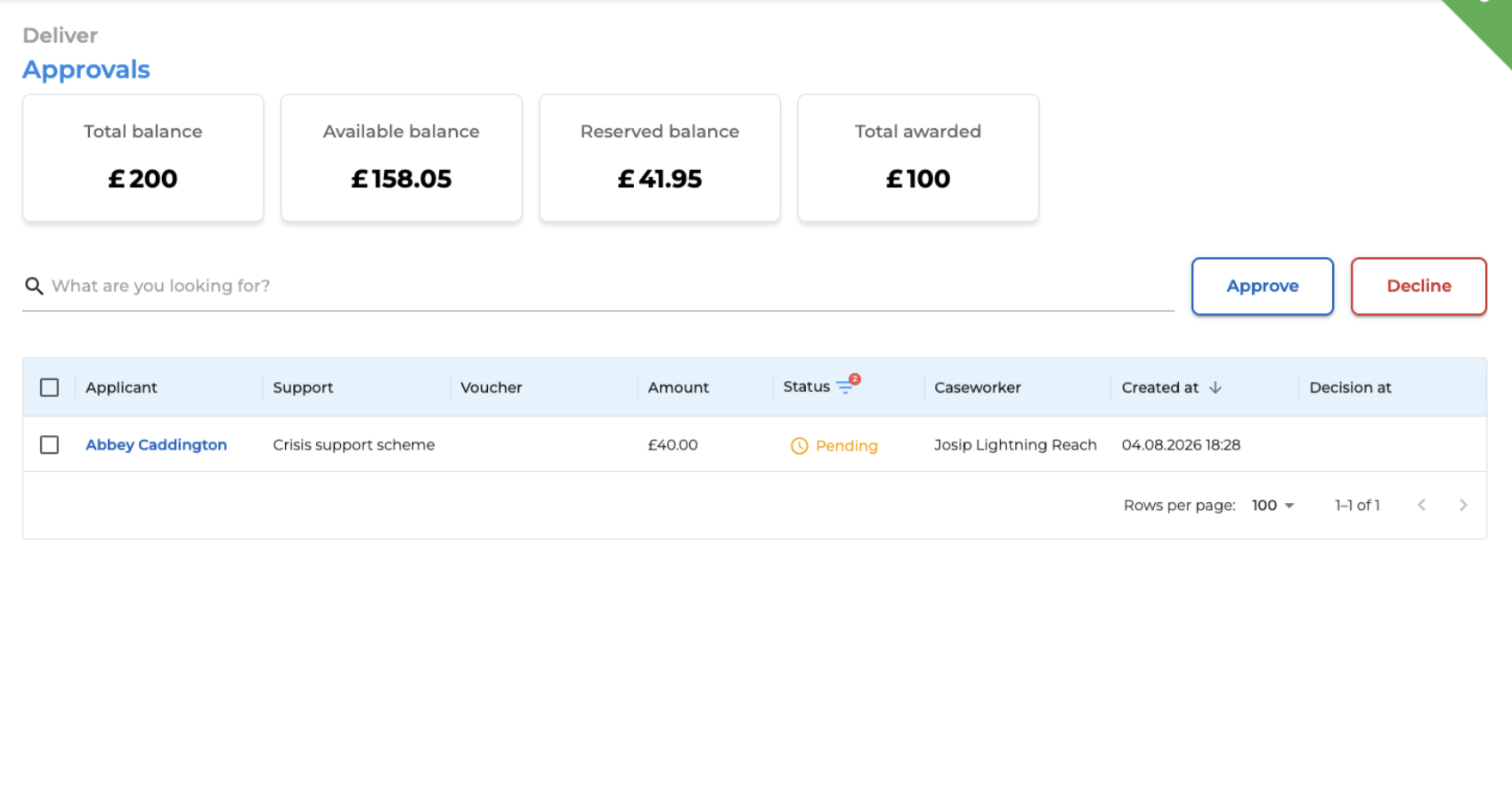
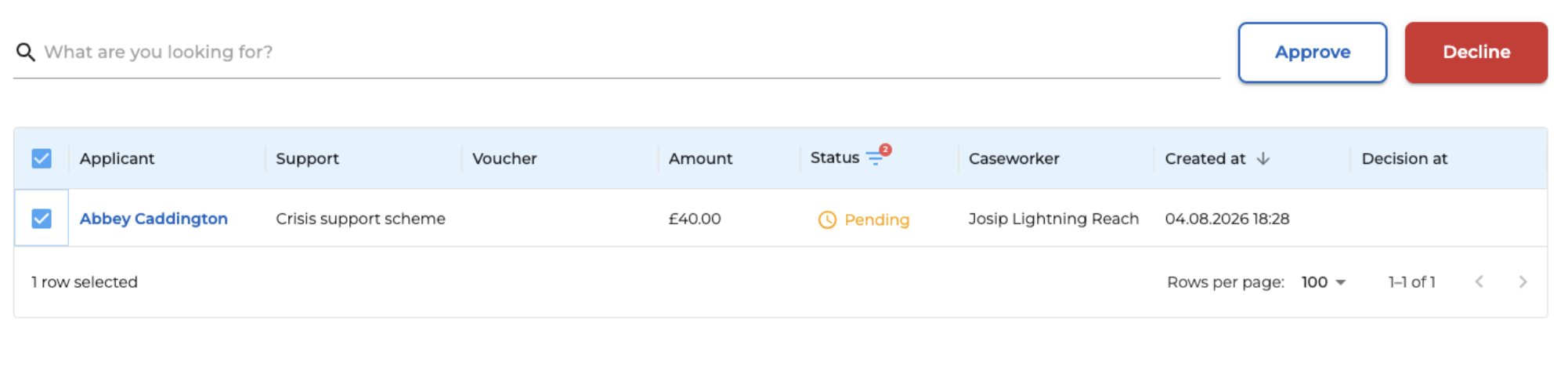
4. Select the checkbox and click decline (red button)
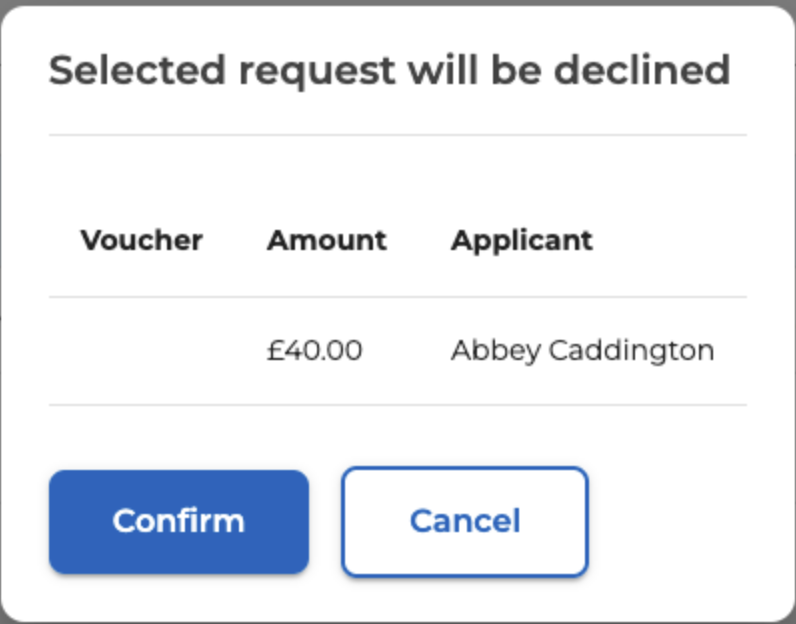
5. Confirm the deletion